
Accident Reporting: 10 Days
~9 min read · Apply the FAA 10-day report triggers (serious injury / $500 damage) and NTSB rules.
The FAA gives you exactly 10 calendar days to report a qualifying sUAS accident, and the exam loves to test whether you know what qualifies. The two triggers — serious injury and $500 of damage to someone else's property — are narrower than most candidates assume.
What must be reported to the FAA
Under 107.9, the remote PIC must report to the FAA within 10 calendar days any operation that results in (1) serious injury to any person or any loss of consciousness, or (2) damage to any property other than the sUAS where the cost to repair or replace exceeds $500 (fair market value if it is not repaired). Reports go through the FAA DroneZone or the appropriate FAA Regional Operations Center.
- Deadline: 10 calendar days from the operation
- Trigger 1: serious injury or ANY loss of consciousness
- Trigger 2: >$500 repair/replacement cost to property OTHER than the drone
- Damage to the drone itself never counts toward the $500
What 'serious injury' means
Serious injury is graded on the AIS (Abbreviated Injury Scale) at Level 3 or higher — think injuries requiring hospitalization: fractures, deep lacerations, internal injuries. A bruise or a cut treated with a bandage is not a serious injury. But any loss of consciousness, however brief, is reportable on its own.
NTSB reporting is separate
Independently of the FAA, NTSB Part 830 requires immediate notification for any accident involving death or serious injury, or when an unmanned aircraft weighing 300 lbs or more suffers substantial damage. For typical sub-55-lb Part 107 operations, the practical takeaway is: death or serious injury → notify the NTSB immediately AND file the FAA report within 10 days.
- NTSB: immediate notification for death/serious injury
- The 300-lb substantial-damage trigger rarely applies to sUAS
- FAA and NTSB duties run in parallel, not either/or
Worked example
During a roof survey, your drone clips an antenna, falls, dents a parked car ($650 repair estimate), and destroys itself ($1,800 drone). A bystander is startled and scrapes an elbow — treated on the spot with a bandage. What do you report, and by when?
Work the triggers. Injury: a scraped elbow is not a serious injury and there was no loss of consciousness — no injury trigger. Property: the drone's own $1,800 loss is excluded; the car is other property at $650, which exceeds $500 — trigger met. So you must file an FAA accident report within 10 calendar days of the operation. NTSB immediate notification is not required because there was no death or serious injury and the aircraft is far under 300 lbs.
Common exam pitfalls
Counting the drone's own damage toward the $500.
The $500 threshold covers property OTHER THAN the sUAS. A destroyed $2,000 drone with no other damage is not reportable.
Ignoring a brief blackout because the person 'seemed fine'.
ANY loss of consciousness triggers the report, regardless of apparent severity.
Thinking the report can wait until the insurance claim settles.
The clock is 10 calendar days from the operation, not from the damage estimate.
10-500-KO: ten days, $500 of someone else's stuff, or any knockout.
Recap
- FAA report within 10 calendar days via DroneZone/Regional Operations Center
- Triggers: serious injury, ANY loss of consciousness, or >$500 damage to other property
- The drone's own damage never counts
- Serious injury ≈ AIS level 3+ (hospitalization-grade)
- NTSB Part 830: immediate notification for death/serious injury (separate duty)
- Report even if the injured person is a crew member
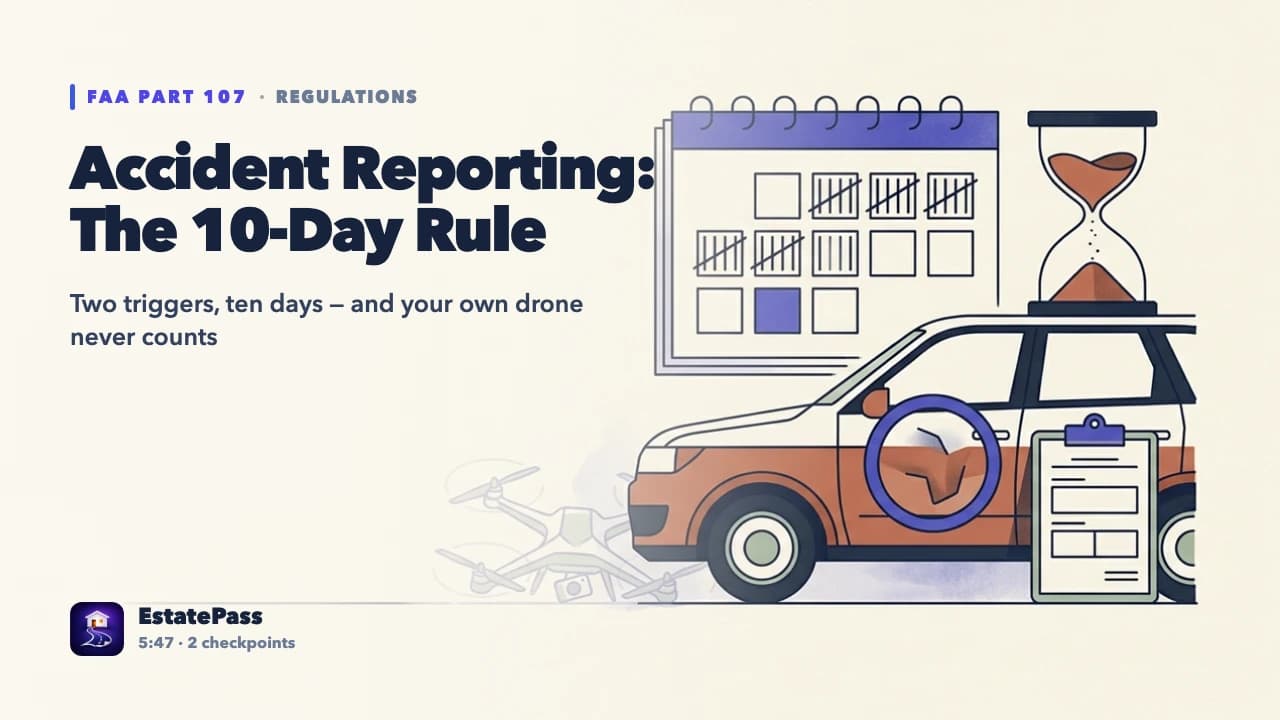
VIDEO LESSON
Watch this lesson on video — free
Prove it: 10 questions on this topic
Every lesson ends with a ten-question check in the free course — your progress syncs between the web and the EstatePass app.